BigChange - The best Joblogic alternative

Download your free work order template


Get this essential tool to help you document work requests, track progress, and communicate with your customers to build credibility, trust and confidence.
What you’ll gain:
Easily capture key customer information
Consistency across your work orders to ensure all vital information is captured
A document to ensure complete transparency between you and your customers
Download Template

Learn how to automate
work orders with BigChange
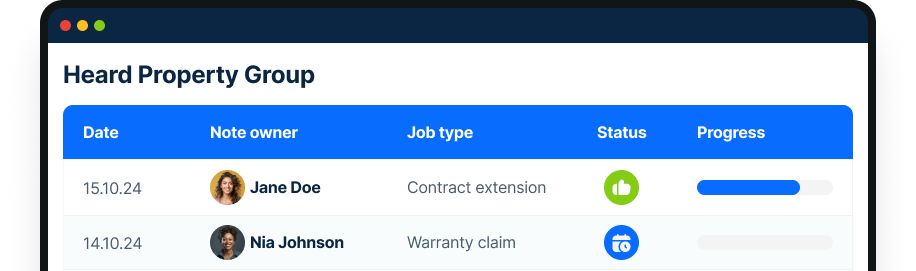
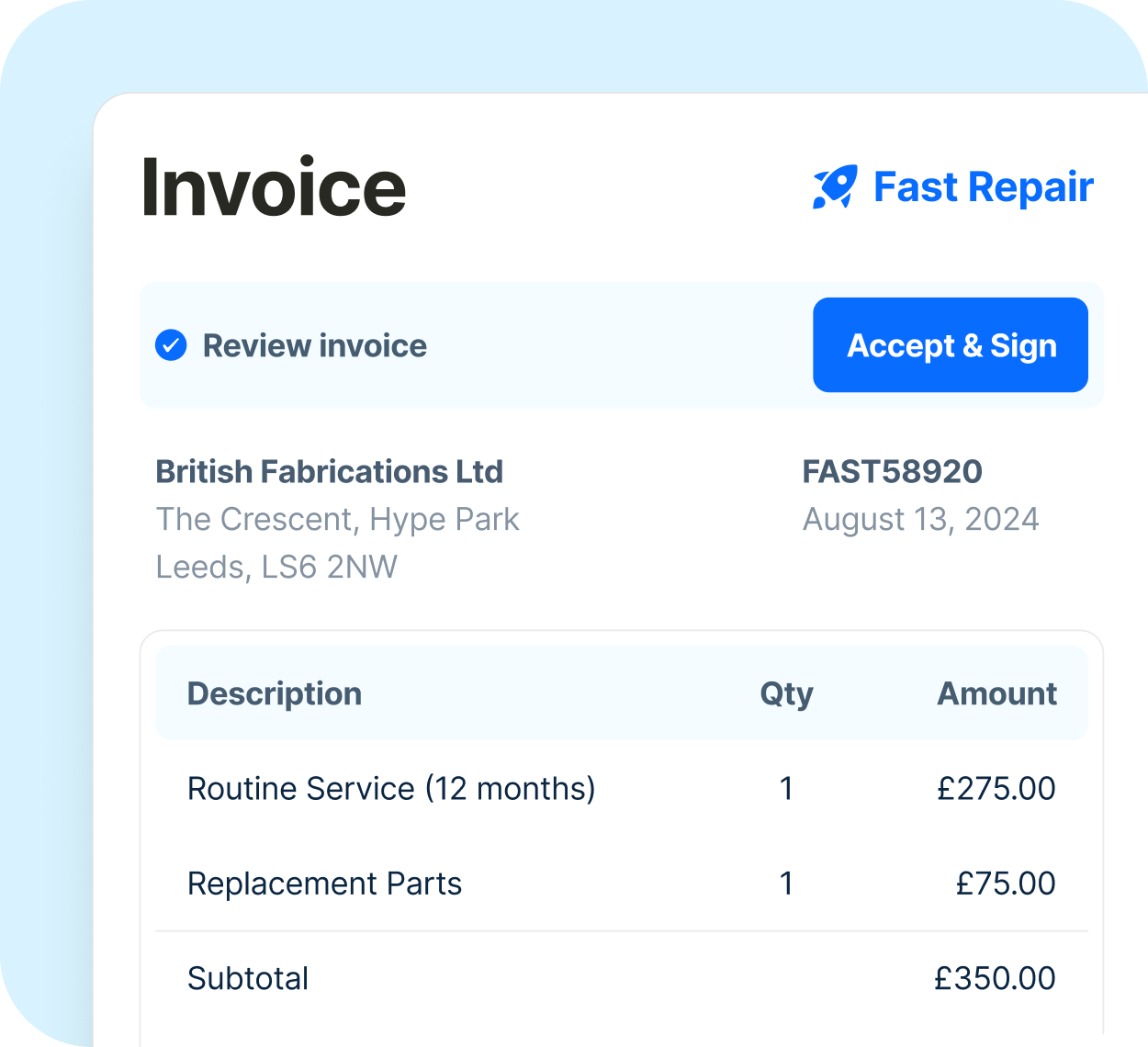
Check out how BigChange’s software automates work orders, quoting, timesheets and more, reducing admin for your team by 25%.

Streamline your work order process with this free template

Designed to save you time and improve communication with your team and clients, this customisable template is ready to use:
Efficient layout – Quickly input essential job details, scheduling, and costs in a format that keeps everything organised and accessible.
Professional documentation – Present a clear, detailed work order that covers job descriptions, client and site information, estimated costs, and timelines.
Comprehensive cost breakdown – Clearly outline labor and materials, providing transparency for clients and accurate estimates for project budgeting.
Download Template

Save money by optimising your jobs from start to finish

Instructions sheet: Step-by-step guidance on filling out the work order template, ensuring consistency and completeness across all work orders.
Work Order Sheet: Capture all the details you need for each job, including:
Order and job details
Customer and site information
Work schedule
Labour estimate
Materials estimate
Summary totals
Download Template

Should my business be using
manual or digital work orders?

A Work Order template is a great start, but did you know there is software like BigChange available to make the process even easier for you?
Manual Work Orders
Digital Work Orders
Customers Say
Time-consuming manual data entry
Instant digital capture and automation
Efficiency
Paperwork can be lost or stored on individual laptops
Accessible anywhere,
anytime, by multiple users
Data Security
Can be lost or damaged
Automatic cloud backups & secure storage
Search & Retrieval
Manual filing system
Instant searchability and quick retrieval
Customer Experience
Delayed updates
Real-time notifications & status tracking
Integration
Standalone system
Seamlessly connects business software
Reporting
Manual data compilation
Automated reporting & analytics
Environmental Impact
Paper waste
100% paperless & sustainable
Mobile Capability
No mobile access
Full mobile functionality for field teams

Download the Work
Order Template today

Thank you! Your submission has been received!
Oops! Something went wrong while submitting the form.
Share with a colleague:

Ready for something
a bit more powerful?

Check out how BigChange’s software automates work orders, quoting, timesheets and more, reducing admin for your team by 25%.

FAQs

What is a job quote template, and why do I need one?
+

A job quote template is a standardized format used to create accurate and professional job estimates for clients. It ensures consistency, saves time, and reduces the risk of errors in the quoting process. Using a template simplifies administrative tasks, enhances customer trust, and speeds up decision-making by providing clients with clear and concise information about job costs and scope.

How can BigChange help with creating digital job quotes?
+

BigChange streamlines the process of creating digital job quotes by offering a unified platform that integrates quoting with scheduling, tracking, invoicing, and CRM. It allows you to capture job details, photos, and signatures digitally, ensuring quotes are accurate and professional. This reduces administrative time and ensures seamless communication with customers.

What features does BigChange’s job management software offer beyond quoting?
+

BigChange’s job management software includes:
Job scheduling and dispatch: Drag-and-drop scheduling and real-time technician tracking.
Invoicing and payment processing: Generate and send invoices instantly.
Customer relationship management (CRM): Manage client interactions effectively.
Digital job sheets and signature capture: Streamline on-site operations.
Reporting and analytics: Gain insights to improve decision-making.
AI-driven optimization: Reduce fuel costs and improve job allocation efficiency.

Can BigChange’s job quoting software integrate with other tools I use?
+

Yes, BigChange’s platform integrates various aspects of field service management into one system, eliminating the need for disconnected tools. While specific third-party integration details aren't mentioned, its comprehensive features suggest compatibility with common workflows, ensuring efficiency across your business operations.

Is BigChange suitable for small businesses?
+

Yes, BigChange is suitable for small businesses. It simplifies job management by combining scheduling, tracking, invoicing, and CRM into one intuitive platform. Small businesses benefit from reduced administrative time, lower costs, and improved productivity, enabling them to scale efficiently. Additionally, the platform’s cost savings, such as AI-driven fuel optimization and enhanced scheduling, make it particularly advantageous for smaller operations.