.png)
Managing work manually is becoming a thing of the past for UK tradesmen. From scheduling appointments and handling emergency callouts to ordering materials, managing compliance paperwork, and keeping customers informed, the day-to-day demands on service businesses continue to grow. Relying on spreadsheets, paper job sheets, or disconnected systems makes it harder to stay efficient and profitable.
That’s why more trades businesses are investing in digital tools built specifically for the field. From job management and scheduling software to mobile apps, reporting tools, and customer communication platforms, the right technology can help you save time, reduce costs, and deliver a more professional service.
Whether you're an electrician, plumber, or HVAC engineer, choosing the right digital platform can make a measurable difference to how your business operates and scales. Below is a breakdown of the best job management software for tradesmen, followed by a comparison of the highest-rated solutions available to UK-based businesses.
Best Job Management Software and Apps for Tradesmen in the UK
- BigChange
- Simpro
- Commusoft
- Clik
- Joblogic
- Workever
- ClockShark
- MyBuilder
- CheckaTrade
- Screwfix
- Wickes
- Toolstation
- Xero
- Quickbooks
- Sage
1. BigChange
BigChange is an all-in-one job management system used by more than 2,000 service and trades businesses across the UK. It offers comprehensive features that connect office teams, field workers, and customers through a single platform. BigChange is built to scale with your business and can be customised for any field service vertical.
The platform is designed to automate your entire workflow, and the benefits for tradesmen in the UK are proven through customer results:
This single-system approach is designed to professionalise your service levels from end-to-end, making every customer interaction smoother:
“We undertook extensive research into the available systems on the market, and it was clear that BigChange was very easy to use and would take away the administrative headaches from engineers so they could be more productive.”
Craig Firth
For any tradesmen in the UK aiming for serious growth and operational excellence, BigChange offers the robust, scalable technology required to succeed in the modern market.
Key features:
- JobWatch Mobile App: Enables tradesmen to complete jobs paperlessly, capture signatures, and fill out essential forms and certificates on site, speeding up the entire work cycle.
- Intelligent Job Scheduling Platform: Automatically optimises engineer routes and schedules based on location, skills, and traffic, drastically reducing drive time and fuel costs.
- Vehicle Tracking Software: Get real-time visibility of vehicles and engineers, enabling smarter job allocation, quicker response times, and more efficient route planning.
- CRM and Financial Management: Provides a 360-degree view of every customer and allows for fast, accurate quoting, invoicing and integration with popular accounting packages, guaranteeing quicker payment.
- Business Intelligence Reporting: Gives you instant access to operational data, allowing you to identify bottlenecks, track performance, and make smarter, data-driven decisions to boost profit.
Pricing/Considerations:
BigChange offers tiered, feature-rich subscription plans designed for tradesmen on-the-go.
- Job Management (JobWatch): Price per office or mobile user per month.
- Job Management Plus: A premium tier providing the full suite of features and often including fully managed rugged tablets, price per mobile user per month.
Best for:
Established and growing field service businesses in the UK that want a fully integrated system to manage jobs, engineers, customers, and finances at scale.
2. Simpro
Simpro is a robust field service management platform built for tradesmen handling service, maintenance, and project-based work. It’s well suited to businesses managing complex jobs, long-term contracts, or multiple workflows, with strong tools for scheduling, quoting, inventory, and asset management.
👉 Learn more about how job management software supports complex project workflows.
Key features:
- Job and Project Scheduling: Plan and manage service jobs, recurring maintenance, and multi-stage projects from a single platform.
- Quoting and Estimating: Create detailed, accurate quotes and convert them into jobs with full cost visibility.
- Stock and Supplier Management: Track inventory levels, manage suppliers, and reduce material shortages.
- Asset Maintenance Tracking: Maintain service history, compliance records, and planned preventative maintenance schedules.
- Mobile Field App: Engineers can access job details, capture timesheets, and update job progress on-site.
- Accounting Integrations: Sync with major accounting systems to streamline invoicing and financial reporting.
Pricing:
Simpro pricing is tailored to your business size, workflows, and feature requirements. Costs are typically based on the number of users and modules selected, with plans billed on a subscription basis. A demo is available to explore the platform and receive a custom quote based on your needs.
3. Commusoft
Commusoft is a back-office focused field service platform built for plumbing, heating, and gas service businesses. It’s particularly strong in customer communication, compliance management, and recurring service workflows, making it a popular choice for smaller service-led teams.
👉 Compare Commusoft vs BigChange to see how they differ on automation, scalability, and reporting.
Key features:
- Visual Scheduling: Job boards with clear status visibility
- Compliance Management: Digital safety certificates and regulatory forms
- Asset Tracking: Full service history and maintenance records
- Customer Communication: Automated reminders and follow-ups
- Customer Portal: Online job bookings and updates
- Accounting & Payments: QuickBooks integration and in-app payments
Pricing:
Commusoft pricing is based on the number of users and features selected. Additional costs may apply for storage, tracking, and advanced functionality. A demo is available to explore the platform and receive a tailored quote.
4. Clik
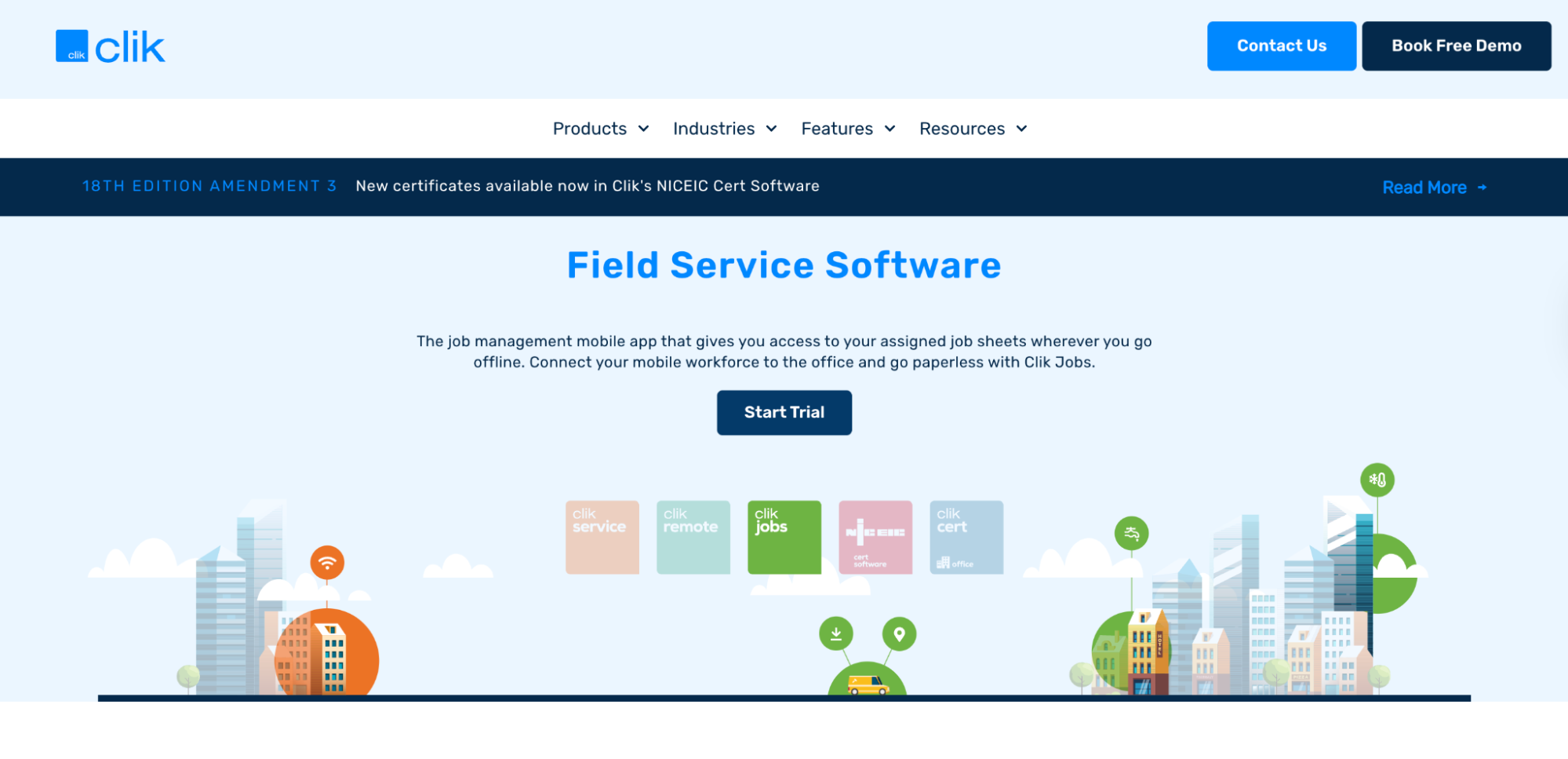
Clik offers a suite of tools including Clik Service and Clik Cert, designed for electrical, HVAC, and inspection-based trades. It’s particularly well suited to compliance-heavy workflows and NICEIC-certified contractors.
Key features:
- Job Management: Desktop and mobile tools for job tracking
- Compliance Tools: Industry-specific certificates and checklists
- Customer Records: Centralised service history
- Scheduling Tools: Diary, calendar, and reminders
- Offline Access: Work without connectivity on-site
- Certification Templates: NICEIC and Gas Safe forms
Pricing:
Clik offers clear, per-user pricing through its Clik Compliance plans, with options designed for small and growing teams:
- Entry Plan: £20 per user/month
Includes 5 certificate templates and up to 30 certificates per month. - Advanced Plan: £25 per user/month
Includes 12 certificate templates and up to 80 certificates per month, with additional reporting features planned.
Optional add-ons, such as QR codes for asset tracking, are available separately. Demos are available to help businesses choose the right plan.
5. Joblogic
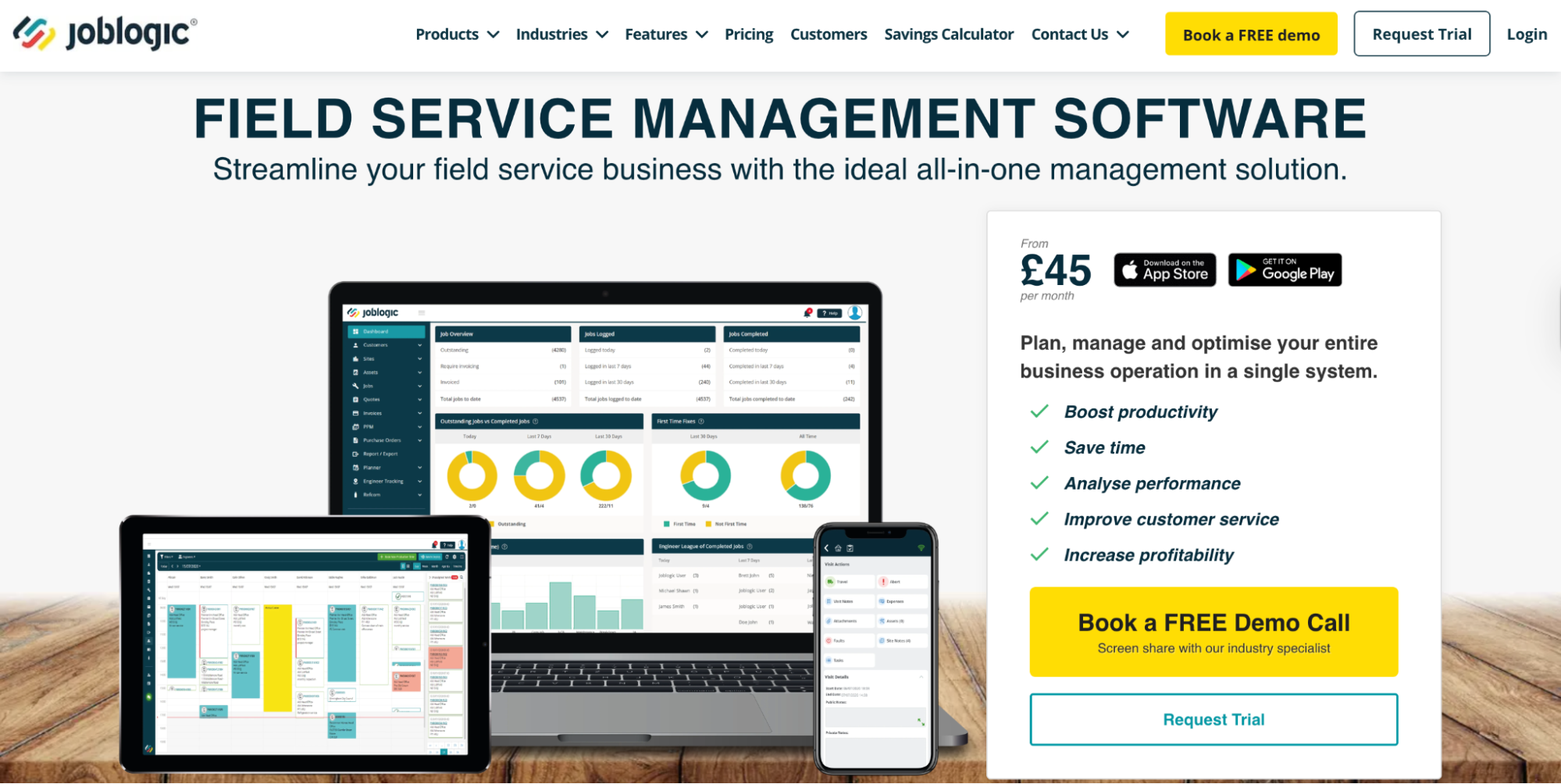
Joblogic is an entry-level field service management platform supporting reactive jobs, PPM contracts, and basic customer portals. It’s often chosen by businesses starting out that want visibility across planned and reactive maintenance.
👉 Compare Joblogic vs BigChange to see how each platform supports growing service teams.
Key features:
- Job Tracking: Real-time job updates and mobile workflows
- PPM & Contracts: Planned maintenance and contract management
- Asset & Compliance: Service history and compliance records
- Commercial Tools: Quotes, invoices, and purchase orders
- Reporting: Custom dashboards and reports
- Customer Portal: Branded client logins
Pricing:
Joblogic uses a per-user subscription model with flexible contracts. Pricing depends on the features selected, with demos and trials available.
6. Workever
Workever is a cloud-based platform for job scheduling, mobile forms, and real-time field updates. Workever helps field service teams stay connected and responsive throughout the workday. The drag-and-drop interface makes scheduling jobs quick and intuitive, while live updates keep both office staff and technicians on the same page.
Key features:
- Scheduling: Drag-and-drop job calendar
- Live Tracking: Engineer location updates
- Digital Forms: Custom job forms and checklists
- Notifications: SMS and email job updates
- Mobile App: iOS and Android support
- Integrations: Xero, QuickBooks, and Zapier
Pricing:
Workever offers simple, per-user pricing with two main plans:
- Base Plan: £29 per user/month
Includes job management, job scheduling, quotes, invoices, payments, fieldworker management, mobile apps (iOS & Android), and accounting integrations. - Ultimate Plan: £39 per user/month
Includes everything in Base, plus form filling and a form builder, stock management, asset management, service contracts, customer self-service portal, and timesheets and expenses.
A free trial is available, allowing businesses to test core functionality before committing.
7. ClockShark
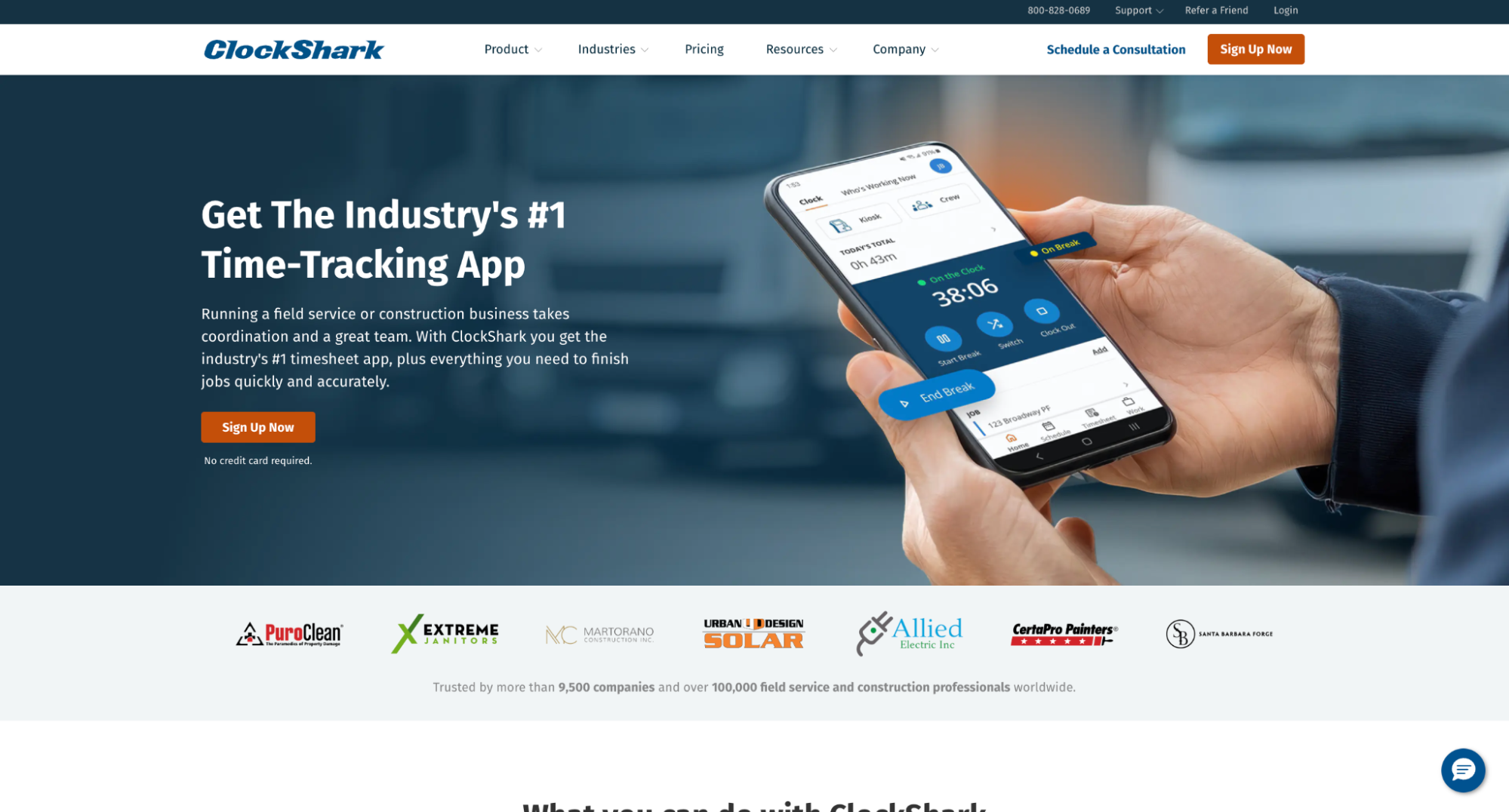
ClockShark is a workforce time tracking and job costing platform built for trades and construction teams. It focuses on helping businesses accurately track hours, monitor locations, and reduce payroll errors, rather than providing full end-to-end job management.
Key features:
- GPS Time Tracking: Track employee hours and locations in real time
- Scheduling: Drag-and-drop job and shift scheduling
- Mobile & Kiosk Clock-ins: Clock in and out via mobile app or shared kiosk
- Job Costing: Track labour costs by job or project
- Job Updates: Photo and file attachments for timesheets
- Reporting: Timesheet exports and job costing reports
- Integrations: Sync with QuickBooks, ADP, and other payroll tools
Pricing:
ClockShark uses a base subscription fee plus a per-user pricing model, with two main plans available:
- Standard Plan (Most Popular): $40 per month base fee, plus $9 per user/month. Includes time and attendance tracking, GPS tracking, job and task tracking, drag-and-drop scheduling, manager approvals, draft schedules, third-party integrations, and built-in Spanish language support. Designed for small teams needing scheduling and core admin tools.
- Pro Plan: $60 per month base fee, plus $11 per user/month
Includes everything in Standard, plus paid time off (PTO), multi-department and multi-office controls, advanced job costing, and shift wrap-up and compliance forms. Designed for growing or multi-location businesses.
ClockShark offers a 14-day free trial on both plans, with no credit card required.
Marketing Apps for Trade Businesses
8. MyBuilder
MyBuilder is an online marketplace that connects homeowners with local tradespeople. It focuses on lead generation rather than job or workforce management.
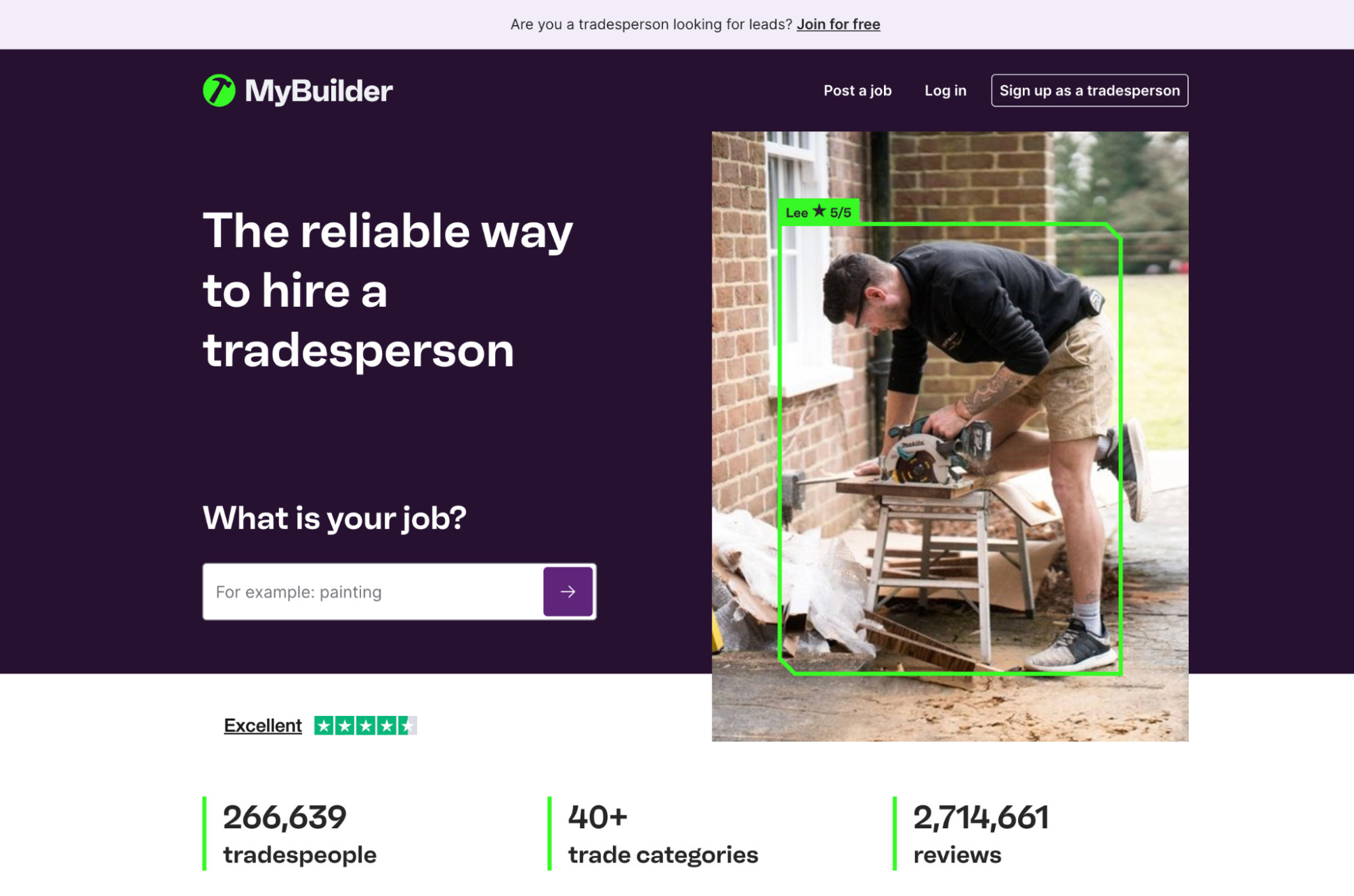
Key Features:
- Customer job posting and quote requests matched to local traders
- Tradesperson profiles with reviews to showcase work
- Lead notifications by trade and location via email and app
- Messaging between customers and trades
Best for:
Tradespeople who want additional inbound leads and visibility, without needing operational software.
9. CheckaTrade
Checkatrade is a well-known UK directory for vetted trades, helping customers find trusted professionals for home improvement and repair work.
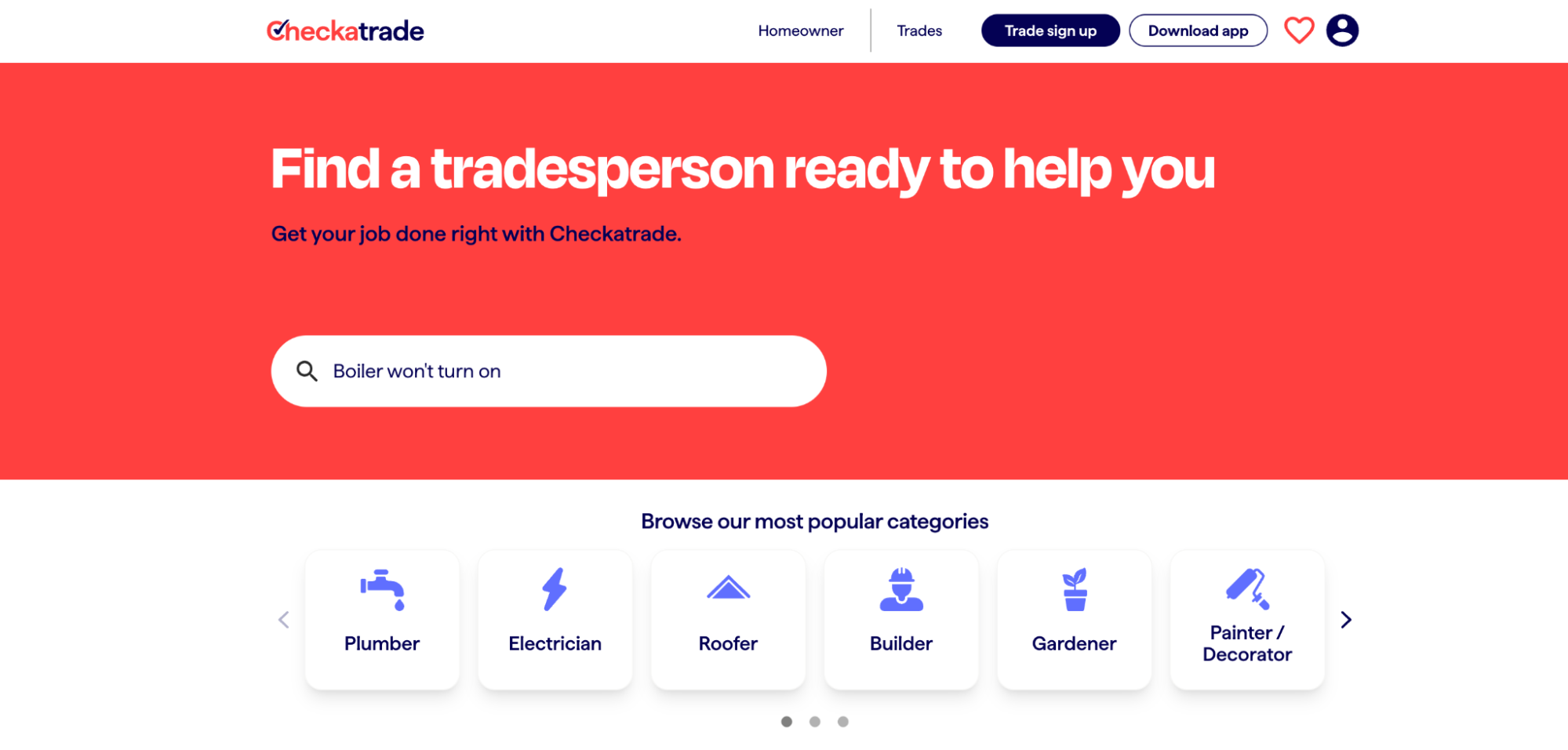
Key Features:
- Verified tradesperson listings
- Customer reviews and ratings
- Job leads by location and trade
- Profile and reputation management
Best for:
Established trades businesses that rely on reputation and want steady local lead generation.
Supply and Material Sourcing Apps for Trades
10. Screwfix
Screwfix is a major UK supplier of tools, materials, and trade essentials, with fast click-and-collect options nationwide.
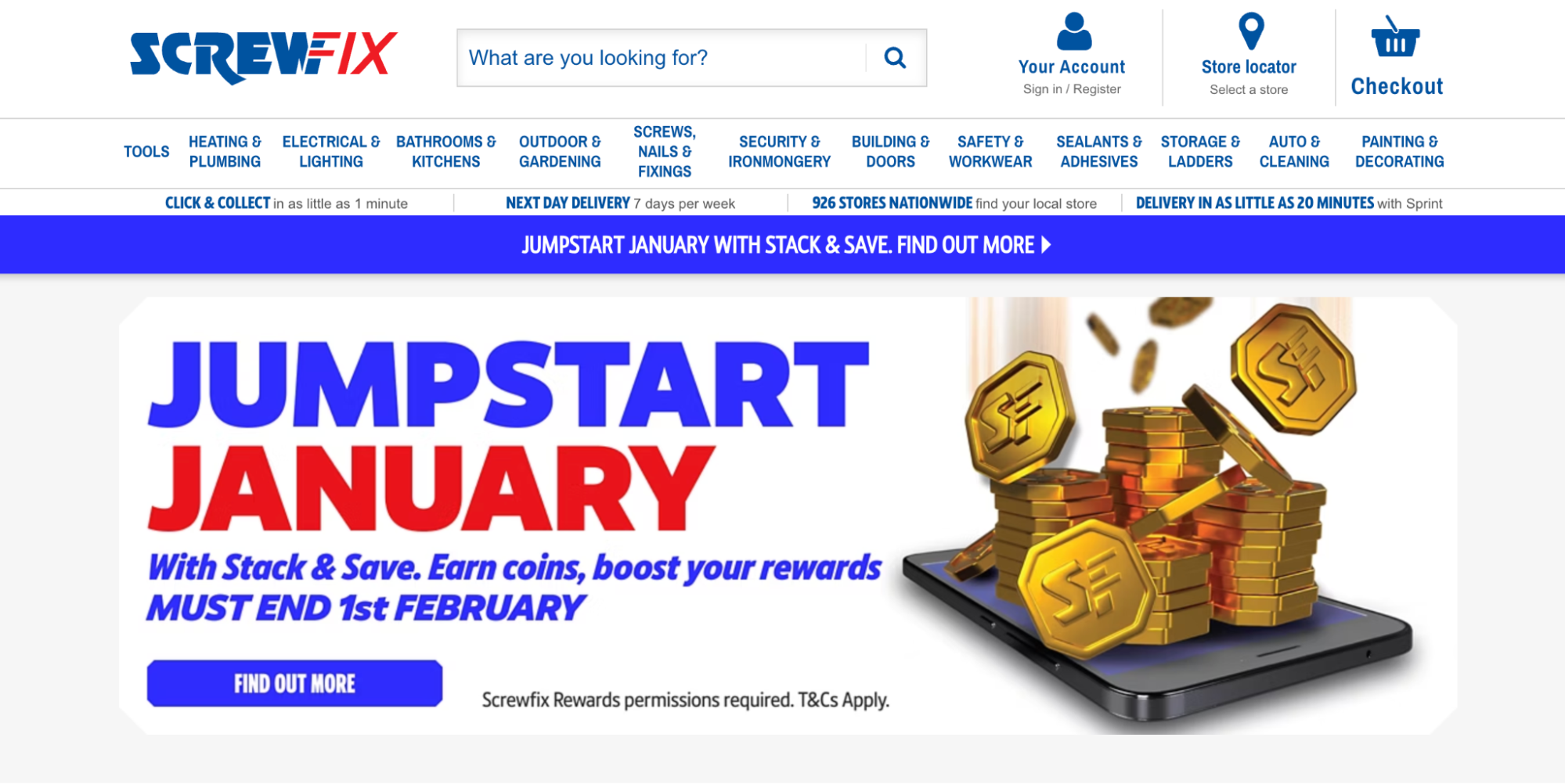
Key Features:
- Wide range of trade tools and supplies
- Click & collect and next-day delivery
- Trade account discounts
- Nationwide store network
Best for:
Tradespeople needing fast, reliable access to tools and consumables.
11. Wickes
Wickes supplies building materials, kitchens, bathrooms, and tools, with a focus on larger renovation and building projects.
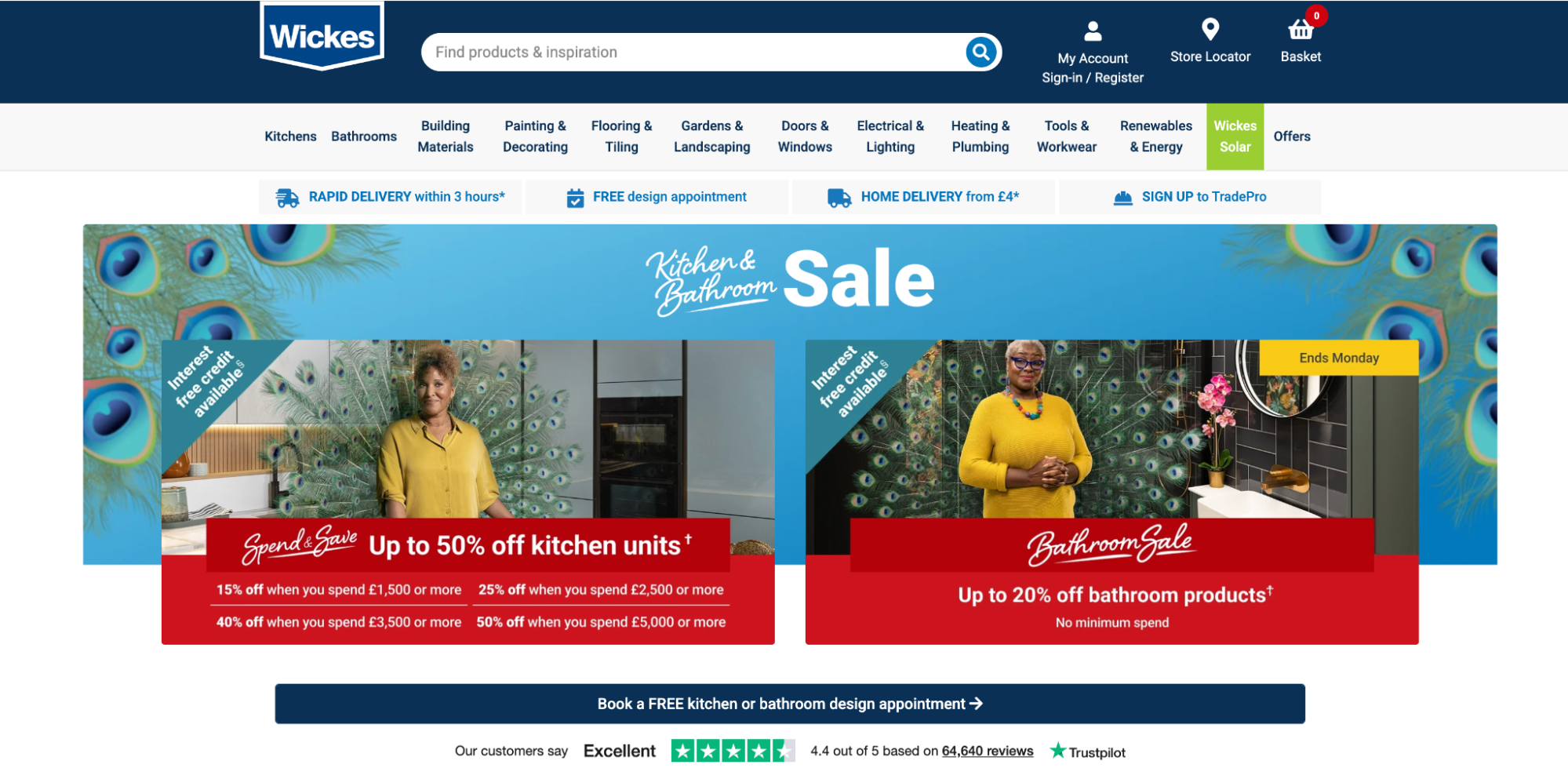
Key Features:
- Building materials and fitted products
- Trade pricing and credit options
- Design services for kitchens and bathrooms
- Nationwide branches
Best for:
Builders and trades handling renovation, extension, or fit-out projects.
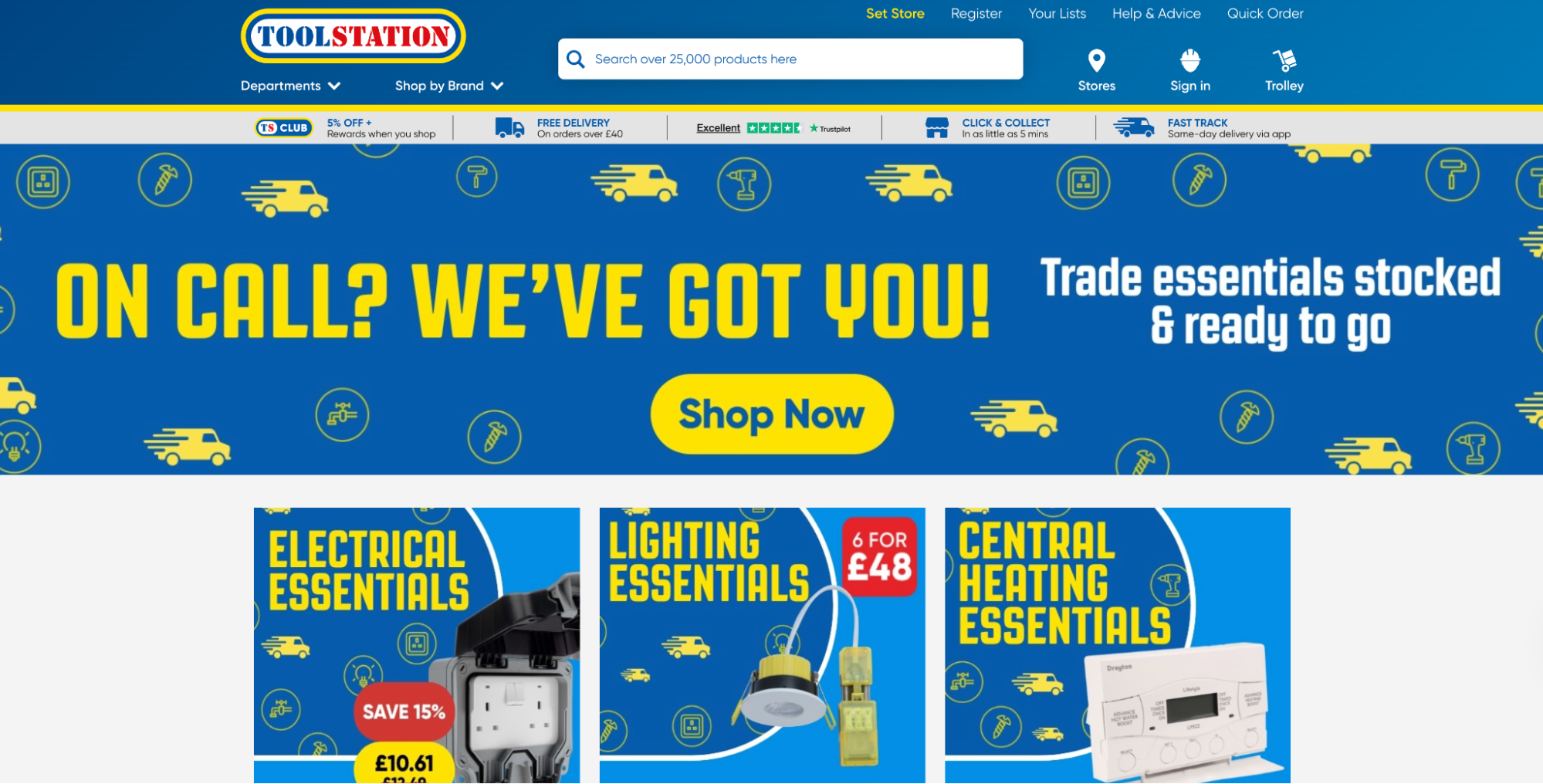
12. Toolstation
Toolstation offers competitively priced tools and materials with rapid collection and delivery options.
Key Features:
- Tools, fixings, and trade essentials
- Click & collect and home delivery
- Trade accounts and pricing
- Compact, easy-to-access stores
Best for:
Tradespeople prioritising speed and value for everyday supplies.
Finance and Accounting Apps for Trades
13. Xero
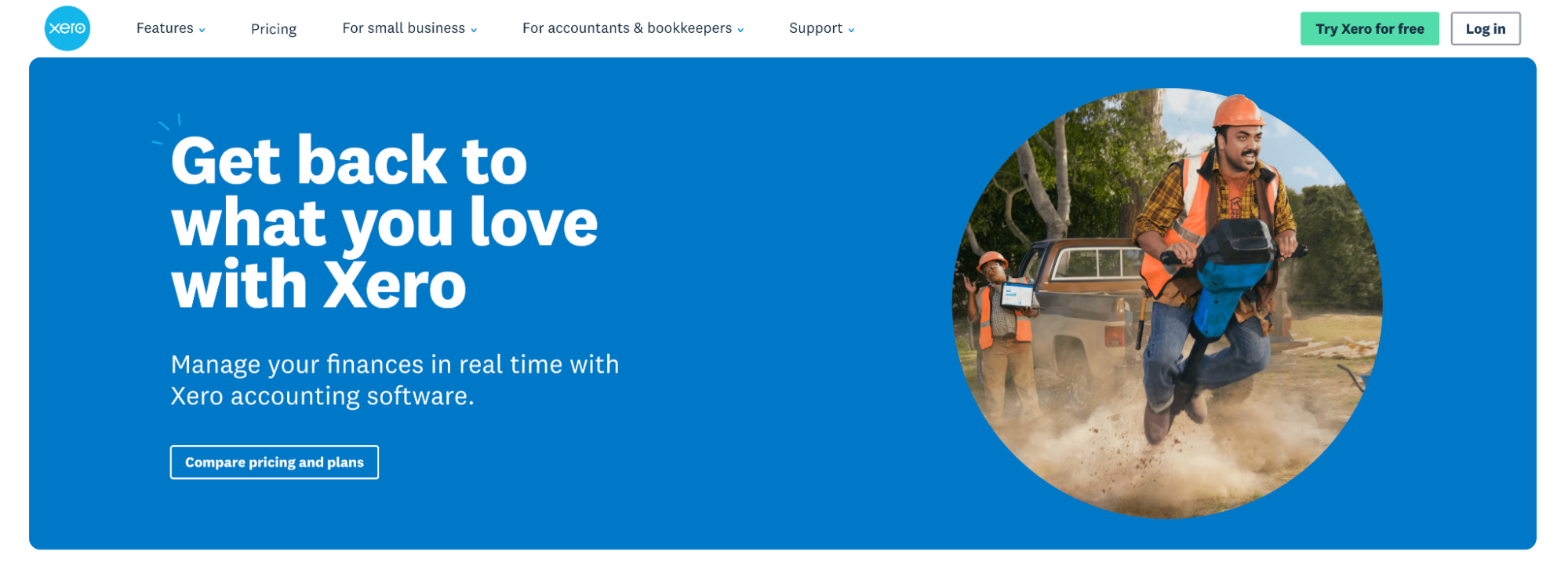
Xero is a cloud-based accounting platform widely used by UK trades and service businesses. It focuses on invoicing, cash flow visibility, and bank reconciliation, and is often paired with job management or time tracking software rather than used alone.
Key Features:
- Invoicing & Quotes: Create branded quotes and invoices, track payment status, and send automated reminders.
- Bank Reconciliation: Live bank feeds with simple reconciliation to maintain accurate records.
- VAT & Tax Reporting: Supports VAT returns and Making Tax Digital (MTD) compliance.
- Integrations: Connects with job management, time tracking, and payroll tools to extend functionality.
Pricing:
Xero offers a range of monthly subscription plans to suit different business sizes and needs:
- Simple: ~£0.70 per month — the most affordable option for non-VAT businesses and sole traders.
- Ignite: ~£1.60 per month — entry accounting with core invoicing, bank reconciliation, VAT (MTD) and CIS support.
- Grow: ~£3.70 per month — adds performance dashboards, better automation and expense claims.
- Comprehensive: ~£5 per month — deeper reporting, KPI insights, multi-currency and extended forecasting.
- Ultimate: ~£6.50 per month — full analytics suite, longest cash flow forecasts, project tracking and advanced controls.
Additional features such as payroll, CIS submission, international bill payments, and multiple user access may incur small add-on fees depending on theplan.
14. QuickBooks
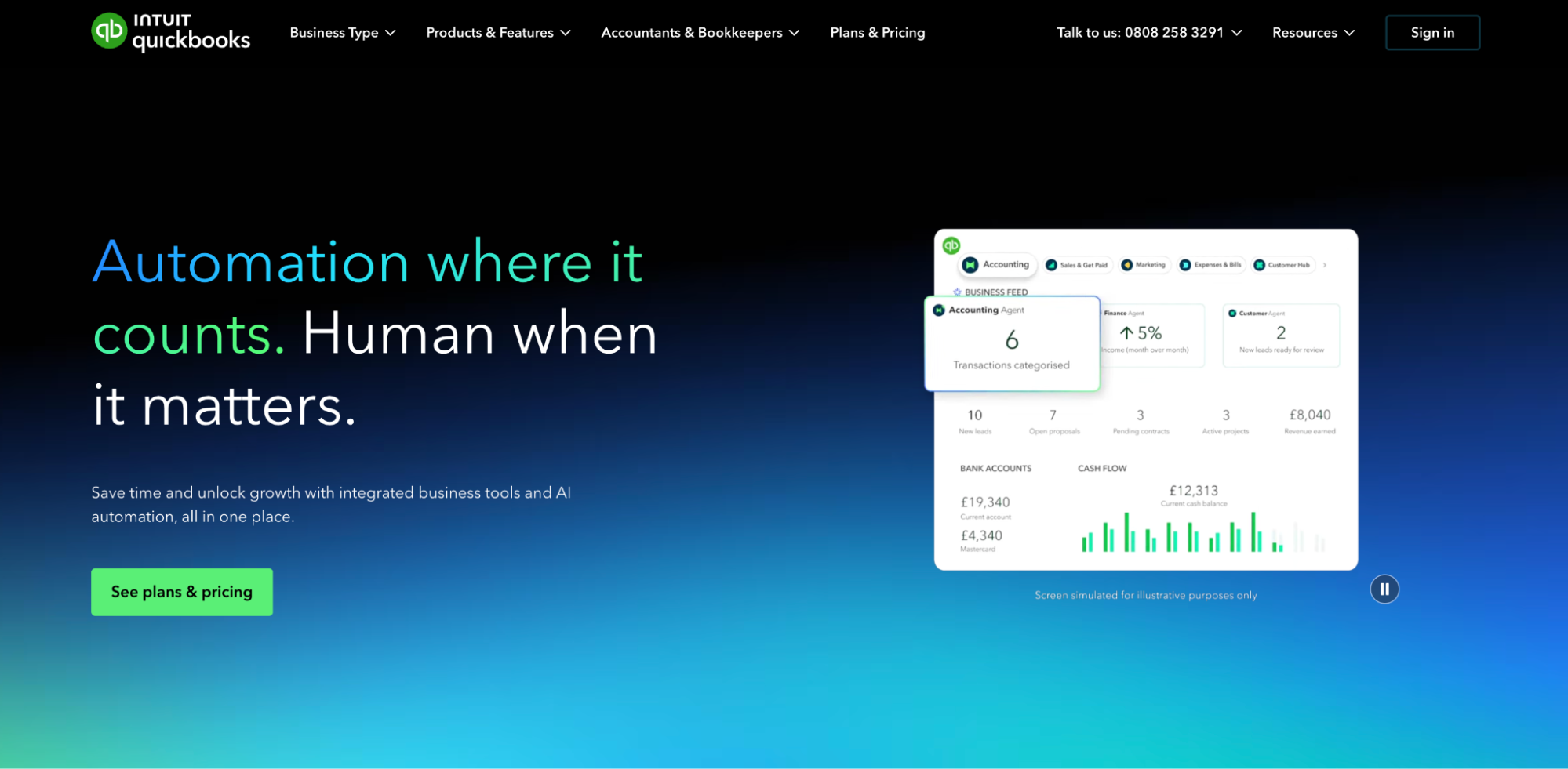
QuickBooks provides accounting, payroll, and expense management tools with stronger native job costing features than many competitors. It’s often used by growing trades businesses that want tighter control over labour and project costs.
Key Features:
- Job Costing: Track income and expenses against individual jobs or projects.
- Payroll & Expenses: Manage payroll, subcontractor payments, and expense claims in one system.
- Invoicing & Payments: Send invoices, accept online payments, and automate reminders.
- Reporting: Profit and loss reporting by job, customer, or period.
Pricing:
QuickBooks offers tiered annual plans, with pricing based on features and user access (prices exclude VAT):
- Simple Start: £17.20/year — for sole traders needing basic invoicing, expenses, and MTD readiness (1 user).
- Essentials: £41.04/year — adds bills, multi-currency, and time tracking (up to 3 users).
- Plus: £60.48/year — includes inventory, budgeting, and project profitability (up to 5 users).
- Advanced: £132.84/year — advanced reporting, automation, and custom roles (up to 25 users).
Payroll and advanced features are available as add-ons.
15. Sage
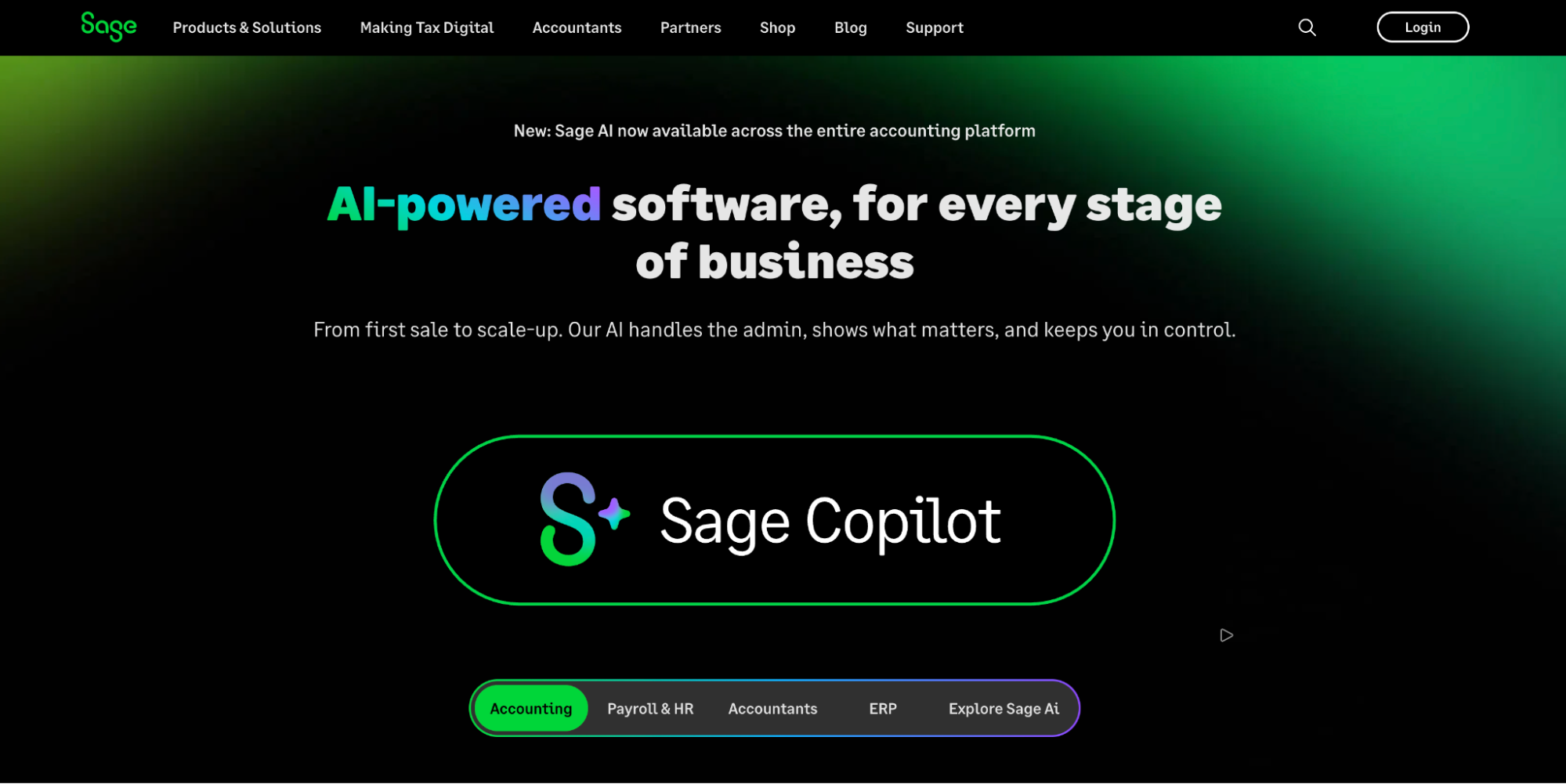
Sage is a long-established accounting and payroll platform used by many UK businesses, including trades and contractors. It places a strong emphasis on compliance, payroll accuracy, and financial reporting.
Key Features:
- Accounting & Payroll: Manage invoicing, payroll, expenses, and supplier payments.
- VAT & HMRC Compliance: Built to support UK tax rules and reporting requirements.
- Financial Reporting: Detailed reports for cash flow, profit, and tax planning.
- Integrations: Connects with job management and time tracking software to extend functionality.
Pricing:
Sage offers tiered pricing based on business size and complexity:
- Sage Individual: Free plan available. Designed for sole traders with Making Tax Digital requirements, covering Self Assessment, income, and expenses.
- Sage Accounting: From ~£1.80 per month (excl. VAT). Built for small businesses (1–19 employees), including invoicing, cash flow tracking, MTD compliance, and basic reporting.
Sage Intacct:Price on request. Enterprise-grade financial management for businesses with 20+ employees, offering advanced reporting, automation, and multi-entity support.
Key Features to Look for in a Tradesmen App
Choosing the right tradesmen app gives your team instant access to the information they need on site, improves job efficiency, and delivers a better customer experience. These are the features to prioritise.
Smart scheduling and dispatching: Automated scheduling helps assign jobs based on availability, location, and urgency. Features like drag-and-drop calendars, recurring jobs, and route optimisation reduce travel time and help you complete more jobs per day.
Mobile app and offline access: Engineers should be able to access job details, customer information, job sheets, and stock data from their mobile device. Offline access is essential for working in areas with poor connectivity, syncing automatically once back online.
Live job tracking and status updates: Real-time job tracking shows engineer locations, job status, and ETAs. This reduces missed appointments, improves communication, and allows office teams to respond quickly to delays or changes.
CRM and customer communication: A central customer database keeps job history, quotes, invoices, and messages in one place. This ensures smoother communication between the office and field, and a more consistent customer experience.
Quotation and invoicing: Built-in quoting and invoicing tools reduce admin and speed up payments. Look for software that supports branded quotes, quick quote-to-invoice conversion, and flexible payment options.
Compliance, safety checks, and digital paperwork: Digital forms, certificates, and safety checklists help ensure every job meets compliance requirements. Mobile-friendly documentation reduces paperwork, improves accuracy, and keeps your business audit-ready.
Find the Best App for Your Trade Business
The best job management software for tradesmen does more than solve one problem. It helps you run your entire business more efficiently, from scheduling and job tracking to invoicing, compliance, and customer communication.
Whether you’re a sole trader or managing a large field team, choosing the right platform starts with understanding where your biggest bottlenecks are. That might be manual scheduling, paperwork piling up, slow invoicing, poor visibility of engineers in the field, or disconnected systems that don’t talk to each other.
This is where an all-in-one solution like BigChange stands out. Instead of stitching together multiple tools, BigChange brings everything into a single platform, including job scheduling, route optimisation, mobile job management, digital forms, time tracking, invoicing, reporting, and customer communication. This reduces admin, improves visibility, and helps teams complete more jobs without increasing overheads.
By digitising day-to-day operations and automating key workflows, the right software doesn’t just save time. It improves cash flow, boosts customer experience, and gives you the data you need to make smarter decisions as your business grows.
Want to see how BigChange supports tradesmen across every part of their business?
Book a demo today and explore how leading trade businesses across the UK are working smarter, reducing admin, and scaling sustainably with BigChange.