


Success Stories

Mobile app
Mobile workforce management software: Get every job running smoothly
Boost productivity, complete more jobs and leave the paper trail behind when your engineers manage all their work on the BigChange app.
Jobs managed

Trusted by thousands of businesses everyday




Trusted by thousands of businesses everyday


Everything your engineers need in one place
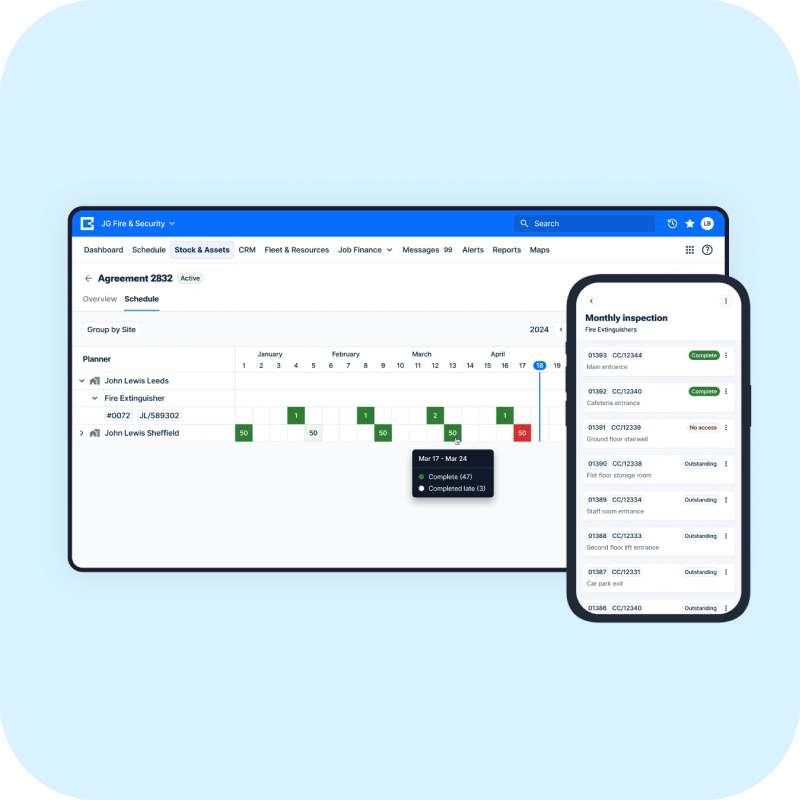
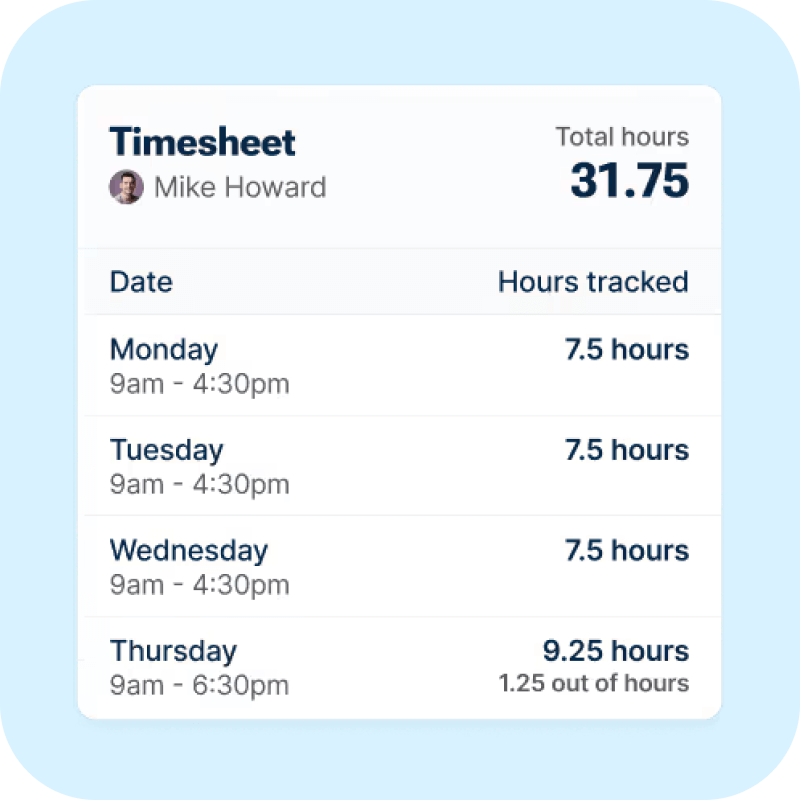
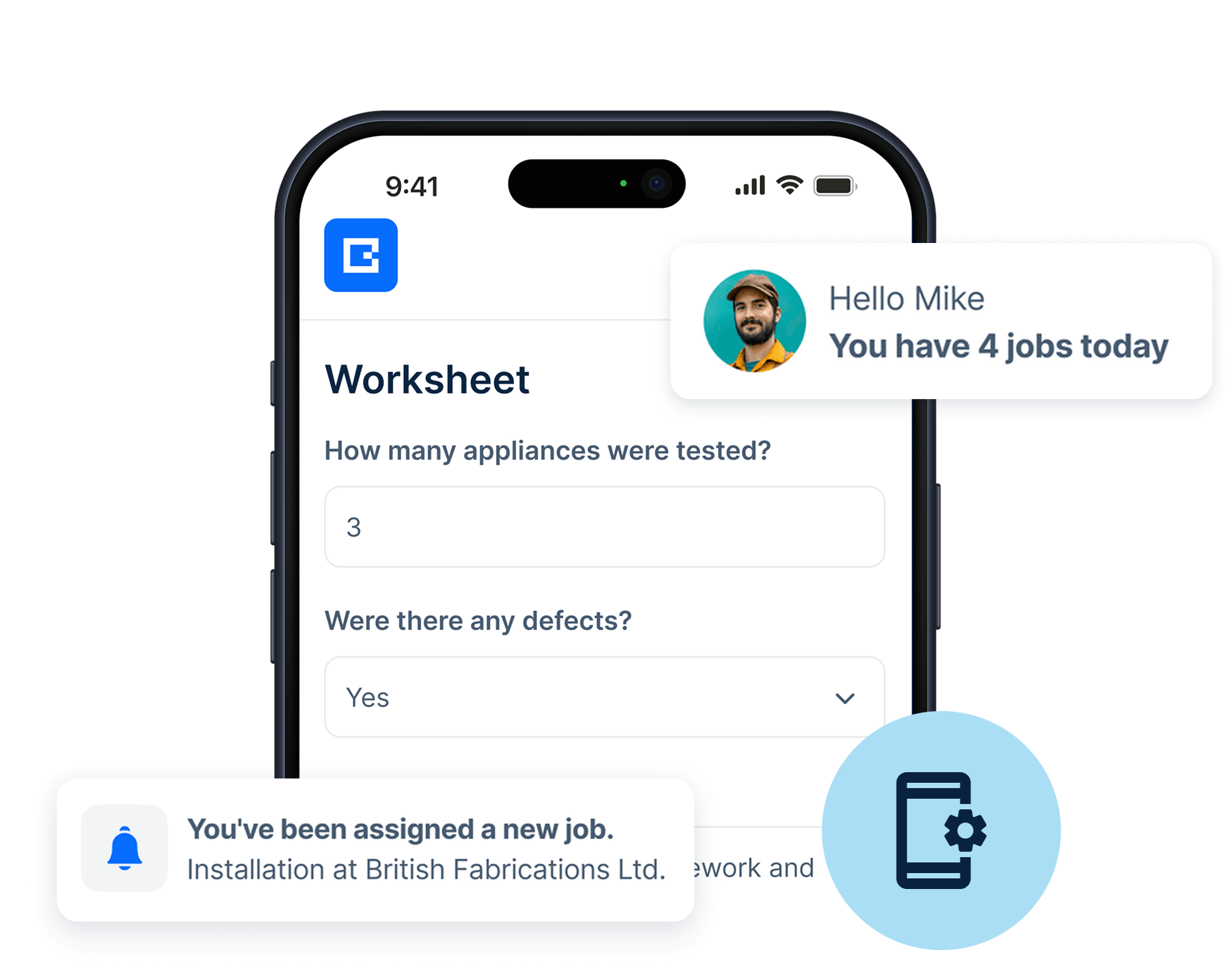
Forget paper job sheets and notepads, the BigChange mobile app puts everything at your engineers’ fingertips. They can manage jobs, complete timesheets and even log expenses. For both Android and iOS tablets and phones.
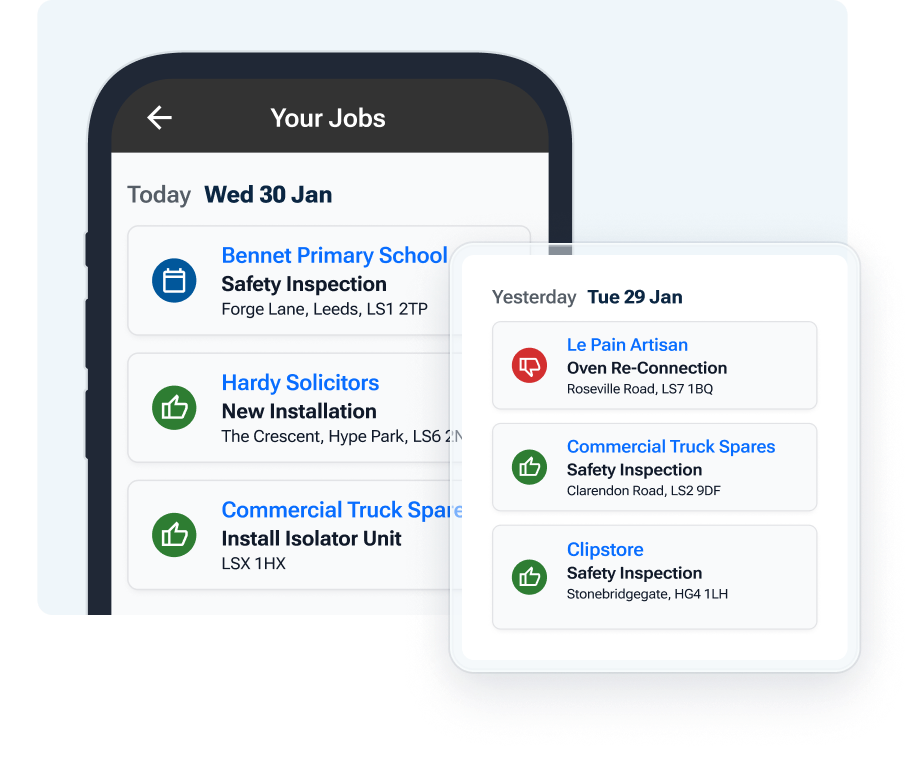
Manage every job step by step
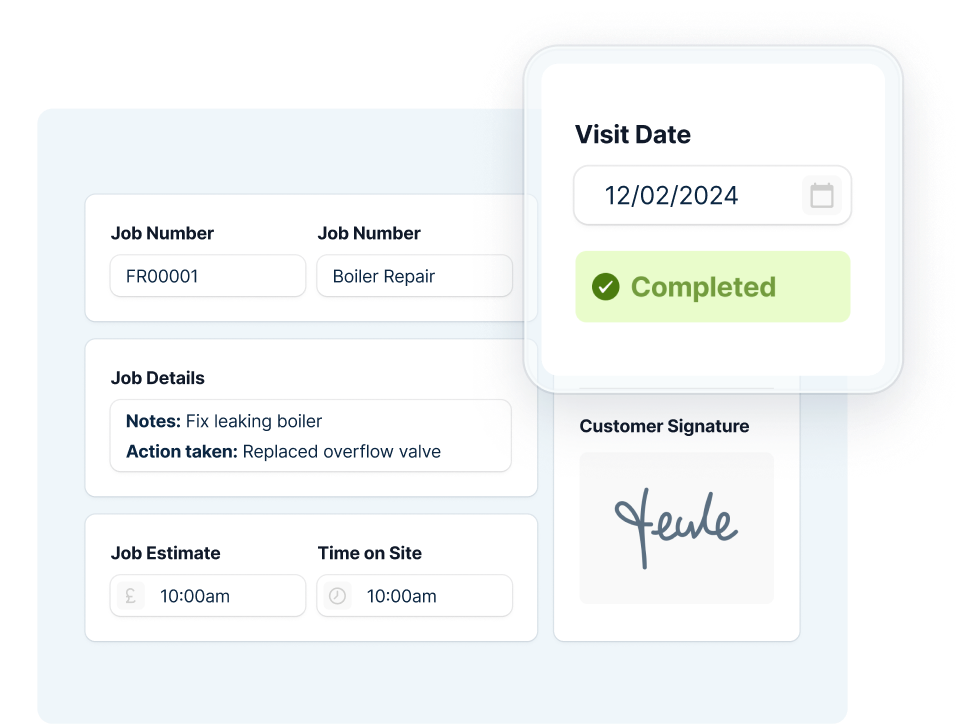
Every job is managed step by step with custom worksheets and workflows that enable you to mandate each process. This includes data capture, photo capture and even barcode scanning. All the data entered gets saved and synced in an instant.
Instant access to work history and previous jobs
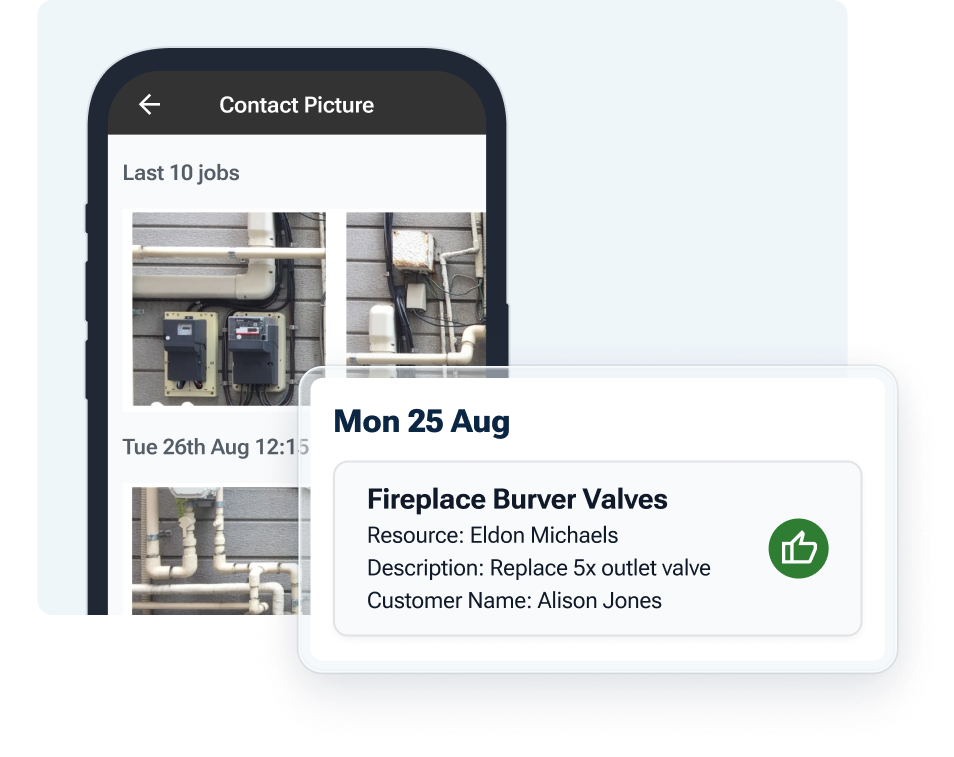
App users can view the job history for the last 10 jobs done on a site. Plus they can view up to 90 previous photos taken. So they’re brought right up to date.
Purchase Invoicing with Intelligent Matching
Intelligent Matching to automatically match invoices with purchase orders. It speeds up approvals, reduces manual effort, and improves accuracy across your finance process.

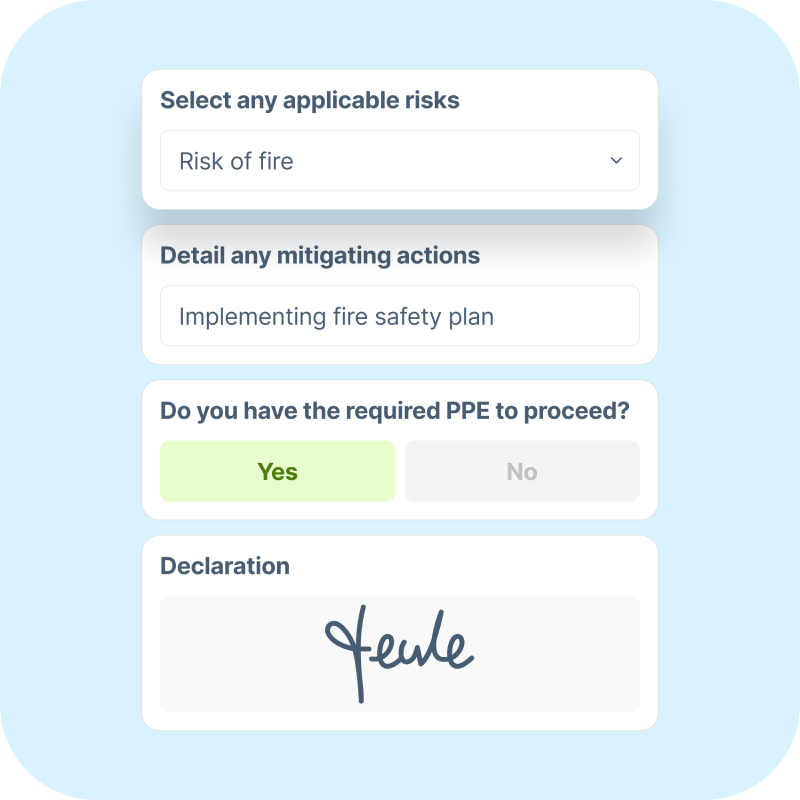
Risk assessment built into every job
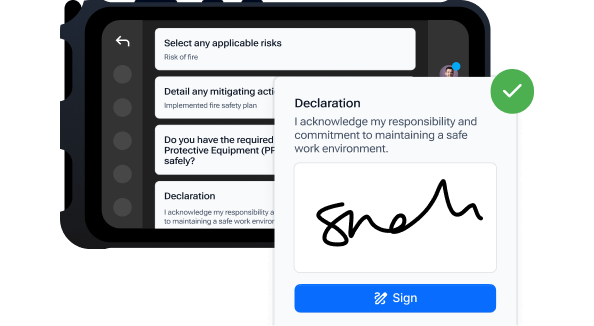
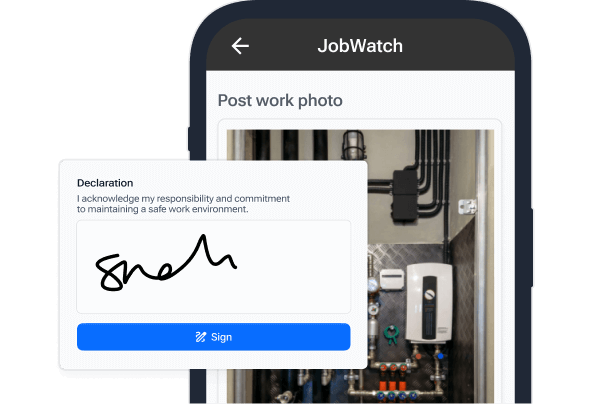
Technicians can be served the appropriate risk assessment or POWRA for the job with electronic sign off. Jobs can’t be started until this is complete.
Ensure every single part is invoiced
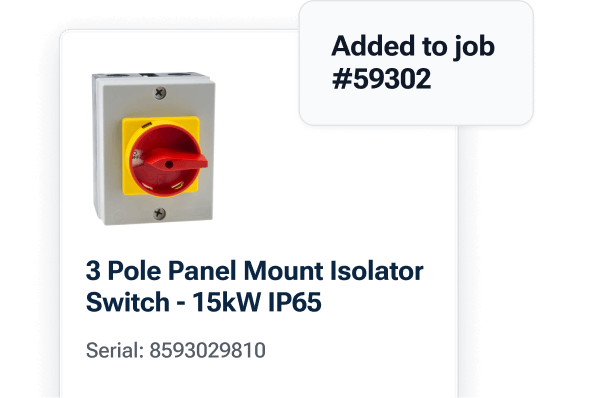
Engineers can log parts and stock used in seconds.
Prove that you did the work
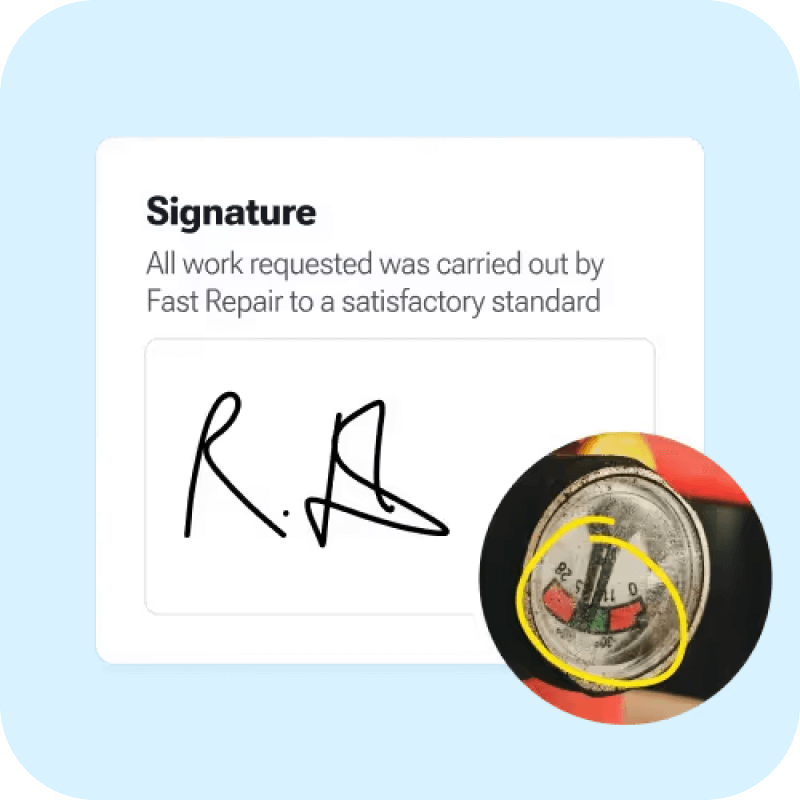
Capture and annotate photos on-site. Get the proof of service that your customers demand.
Tools to reduce office admin
Tools to drive productivity in the field
Tools to delight your customers

“BigChange handles our job management brilliantly, linking site history, alerts, and client access rules seamlessly”
Danny Fuller
Managing Director, London Drainage Facilities
Drainage

"Rubbish collection isn’t glamorous but BigChange makes it efficient and reliable."
Charles Scully
Founder & MD, Cornwall Waste Care
Waste & Recycling

“We wanted to modernise our IT and invest in a solution for the future – something that could assist in what is proving rapid growth in the business.”
Dean Rochester
Managing Director, Target Maintenance
FM

By investing in BigChange we have made people’s jobs easier, so we have fewer problems. Fewer problems mean a happier team and a more productive workforce.
Jasen Jackiw
Managing Director & Founder, Prymo Surface Solutions
Building Maintenance




Save £5 for every £1 spent

11% less drive time per job

25% less back-office admin
%201.svg)
Job duration 9.2% less on average

.svg)
Risk assessment built into every job
Technicians can be served the appropriate risk assessment or POWRA for the job with electronic sign off. Jobs can’t be started until this is complete.
Ensure every single part is invoiced
Engineers can log parts and stock used in seconds.
Prove that you did the work
Capture and annotate photos on-site. Get the proof of service that your customers demand.
Risk assessment built into every job
Technicians can be served the appropriate risk assessment or POWRA for the job with electronic sign off. Jobs can’t be started until this is complete.
Ensure every single part is invoiced
Engineers can log parts and stock used in seconds.
Prove that you did the work
Capture and annotate photos on-site. Get the proof of service that your customers demand.
Features
More tools for your business
Integrations
Connect everything together
Reduce duplicate data entry by connecting BigChange with Xero and
Sage for seamless invoice and payment integration. Explore other ERP
systems and industry-specific platforms.
Integrations
Connect everything together
Cut out duplicate data entry by integrating BigChange with Xero and Sage for smooth invoice and payment syncing. Additional ERP and industry-specific platforms are also supported.
Success Stories
“BigChange handles our job management brilliantly, linking site history, alerts, and client access rules seamlessly”
Danny Fuller
Managing Director, London Drainage Facilities
Watch your field service scheduling become effortless
Join thousands of UK field service businesses using BigChange to schedule jobs faster, reduce drive time, and keep mobile teams in perfect sync.

Used by 1,700+ field service businesses
UK-based 24/7 support
Integrates with Xero and Sage
Frequently asked questions
How does job scheduling software UK differ from spreadsheet scheduling?
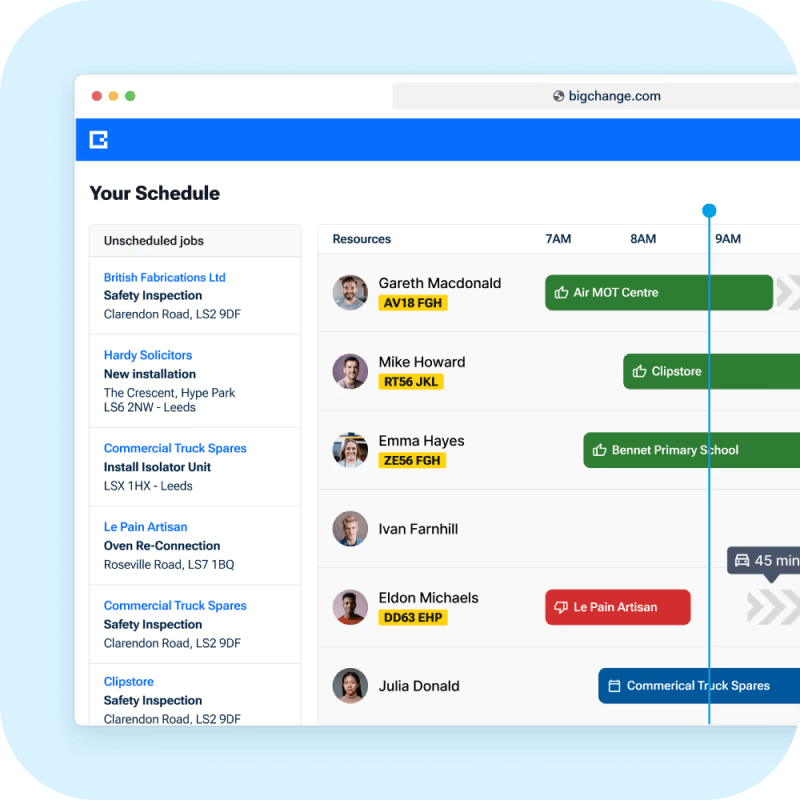
Job scheduling software syncs changes to mobile devices in real time. When you move a job in the platform, engineers see the update within seconds on their field service app. Spreadsheets require phone calls, text messages, or manual checking to confirm schedule changes.
The software also handles route optimization automatically. It calculates the most efficient order for jobs based on location, traffic, engineer skills, and vehicle equipment. Spreadsheets leave this planning to manual work.
Can field service scheduling software handle emergency call-outs?
Yes. Create an emergency job and drag it onto any available engineer's schedule. They receive an instant notification on their mobile app with customer details, site location, and job requirements.
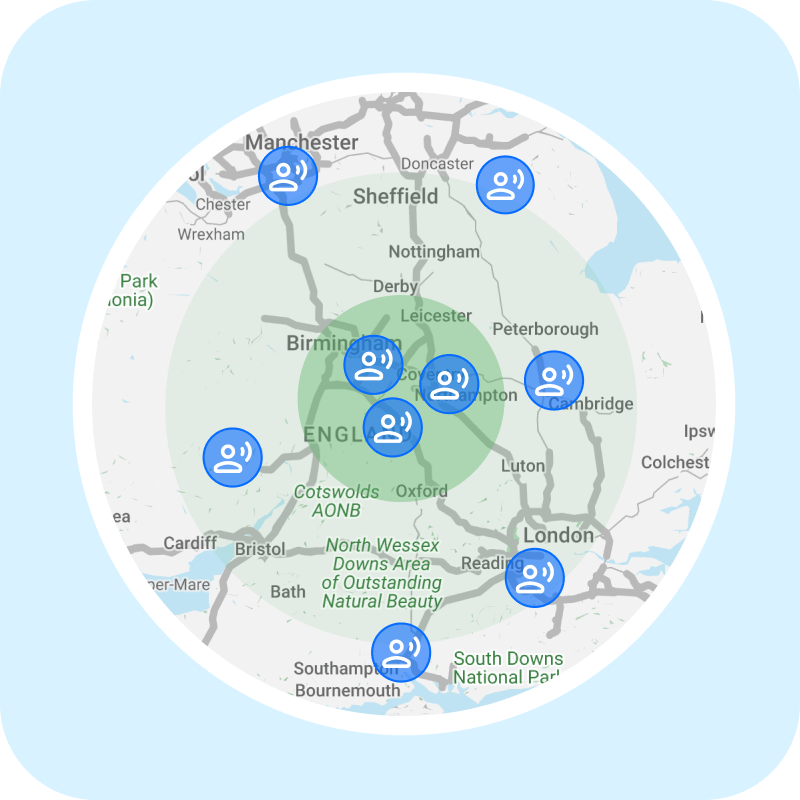
The job scheduling app shows which engineers are nearest to the emergency location. You can reassign scheduled work to other team members and dispatch the closest engineer immediately.
What happens if engineers lose internet connection during a job?
The field service app works offline. Engineers view their schedule, access job details, complete forms, capture photos, and collect signatures without connectivity.
Once their device reconnects to wifi or mobile data, all updates sync automatically with the office system. You see completed jobs, photos, and customer signatures appear in real time.
Can customers track their engineer's arrival in real time?
Yes. Customers receive automated appointment confirmations by SMS or email. On the day of service, they get a tracking link showing their engineer's current location and estimated arrival time.
This feature reduces phone calls asking when engineers will arrive. Customers see live updates if traffic delays change the arrival window.
Does job scheduling software integrate with accounting platforms?
The platform integrates with Xero and Sage for automatic invoice synchronization. Completed jobs flow from your field service scheduling software into your accounting system without duplicate data entry.
Engineers mark jobs complete on their mobile app. The office system generates invoices immediately and sends them to your accounting platform.
How does route optimization save fuel costs?
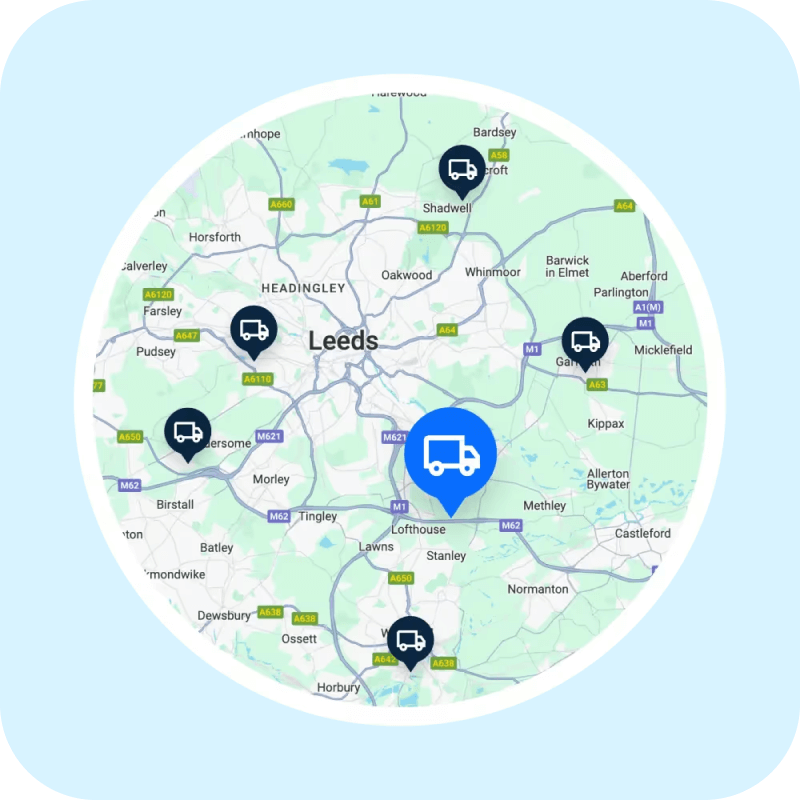
The job scheduling app calculates the shortest driving distance between appointments while accounting for traffic conditions. It sequences jobs in the optimal order to minimize backtracking and unnecessary miles.
BigChange customers report 11% less drive time and 10% lower fuel consumption on average. Route optimization runs automatically whenever you schedule or reschedule jobs.
Can we schedule preventative maintenance appointments automatically?
Yes. Set up recurring service schedules for PPM work. The field service scheduling software generates work orders automatically at the intervals you specify.
The system sends customer reminders before inspections come due. You can schedule annual boiler services, quarterly equipment checks, or monthly maintenance visits without manual calendar management.
What if we need to change an engineer's entire schedule for the week?
Drag and drop makes bulk schedule changes quick and painless. Select multiple jobs assigned to one engineer and drop them onto another team member's calendar. Both engineers receive instant updates on their mobile devices.
The job scheduling software UK businesses use also includes an intelligent scheduling assistant. It can reassign hundreds of jobs in bulk based on engineer location, skills, and availability.
How does the job scheduling app prevent double bookings?
The platform tracks every engineer's capacity and existing commitments in real time. When you drag a job onto a schedule, the system checks for conflicts automatically.
If an engineer already has a job scheduled during that time slot, the software prevents the double booking. Your customer booking portal also blocks appointment times that would create scheduling conflicts.
Can field service scheduling software handle multi-day jobs?
Does job scheduling software show parts availability before dispatch?
The platform connects to your parts inventory system. Check stock levels at your warehouse, in engineer vans, and at supplier locations before assigning jobs.
Add required parts directly to the work order during scheduling. Engineers see the parts list on their field service app and can verify they have everything before leaving for the site.
How does job scheduling software UK help with compliance requirements?
Build mandatory risk assessments and safety forms into your job workflows. Engineers cannot mark jobs complete until they fill out required compliance documentation on their mobile device.
All forms include date and time stamps showing who completed them. This creates a complete digital audit trail for health and safety compliance, insurance requirements, and industry regulations.
Trusted by thousands of businesses everyday
This is some text inside of a div block.
Jobs managed
Mobile workforce management software: Get every job running smoothly
Boost productivity, complete more jobs and leave the paper trail behind when your engineers manage all their work on the BigChange app.
This is some text inside of a div block.
Trusted by thousands of businesses everyday
Everything your engineers need in one place
Forget paper job sheets and notepads, the BigChange mobile app puts everything at your engineers’ fingertips. They can manage jobs, complete timesheets and even log expenses. For both Android and iOS tablets and phones.
Manage every job step by step
Every job is managed step by step with custom worksheets and workflows that enable you to mandate each process. This includes data capture, photo capture and even barcode scanning. All the data entered gets saved and synced in an instant.
Instant access to work history and previous jobs
App users can view the job history for the last 10 jobs done on a site. Plus they can view up to 90 previous photos taken. So they’re brought right up to date.
Purchase Invoicing with Intelligent Matching
Intelligent Matching to automatically match invoices with purchase orders. It speeds up approvals, reduces manual effort, and improves accuracy across your finance process.
Risk assessment built into every job
Technicians can be served the appropriate risk assessment or POWRA for the job with electronic sign off. Jobs can’t be started until this is complete.
Ensure every single part is invoiced
Engineers can log parts and stock used in seconds.
Prove that you did the work
Capture and annotate photos on-site. Get the proof of service that your customers demand.
Tools to reduce office admin
Tools to drive productivity in the field
Tools to delight your customers
Success Stories
We're here to help every business grow
“BigChange handles our job management brilliantly, linking site history, alerts, and client access rules seamlessly”
Danny Fuller
Managing Director, London Drainage Facilities
Drainage
"Rubbish collection isn’t glamorous but BigChange makes it efficient and reliable."
Charles Scully
Founder & MD, Cornwall Waste Care
Waste & Recycling
“We wanted to modernise our IT and invest in a solution for the future – something that could assist in what is proving rapid growth in the business.”
Dean Rochester
Managing Director, Target Maintenance
FM
By investing in BigChange we have made people’s jobs easier, so we have fewer problems. Fewer problems mean a happier team and a more productive workforce.
Jasen Jackiw
Managing Director & Founder, Prymo Surface Solutions
Building Maintenance


